FreeNo sign-upNo ads in the calculatorLinked from 300+ schools and colleges
Choose your calculator
Two quick picks. The grading rules below follow from them.Change grading rules
Make it yours Optional
Add your school name, color and language, or skip it: the calculator works as “GPA Calculator” in our blue.More optionsCumulative off
Try it. Grades you type here don’t change your code.
Add it to your website
Copy the code and paste it into an Embed or HTML block. It already has your settings: GPA calculator · High school · Plus and minus · Blue color.<div style="max-width:800px;margin:0 auto">
<iframe data-gpa-widget src="https://gpacalculator.net/widget/gpa-calculator/?type=hs" title="GPA Calculator" width="100%" height="760" style="border:0;display:block;width:100%" loading="lazy"></iframe>
<p style="margin:8px 0 0;font-size:13px;line-height:1.5;color:#475569;text-align:center">Free GPA calculator by <a href="https://gpacalculator.net/" style="color:#2563eb;font-weight:600">GPACalculator.net</a></p>
</div>
<script src="https://gpacalculator.net/widget/resize.js" async></script>Google Sites
- In the editor, choose Insert, then Embed.
- Open the “Embed code” tab and paste the code.
- Click Next, then Insert.
- Drag the bottom edge of the box down until the whole calculator shows, then Publish.
WordPress
- Edit the page and add a “Custom HTML” block where the calculator should go.
- Paste the code into the block.
- Click Update or Publish.
Canvas
- Edit the page and click the HTML editor button (</>) at the bottom right of the editor.
- Paste the code where the calculator should appear.
- Click Save.
Schoology
- In your course, open Add Materials and choose Add File/Link/External Tool.
- Choose Link and paste the code into the link box.
- Give it a title, then click Add.
Finalsite, Edlio, Apptegy and other school site builders
- Edit the page and look for an Embed, HTML or Code block.
- Paste the code into it and publish the page.
- No such block? Use the button or text link, or send the email to your web team.
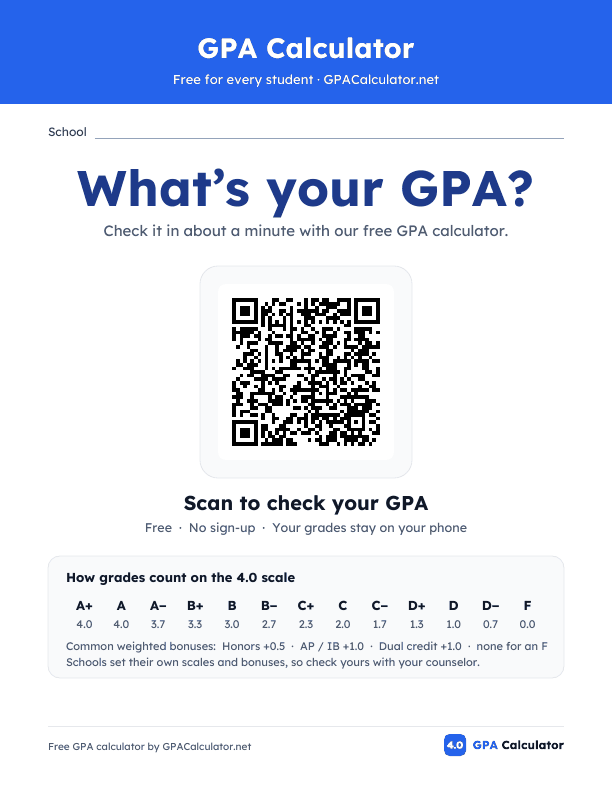
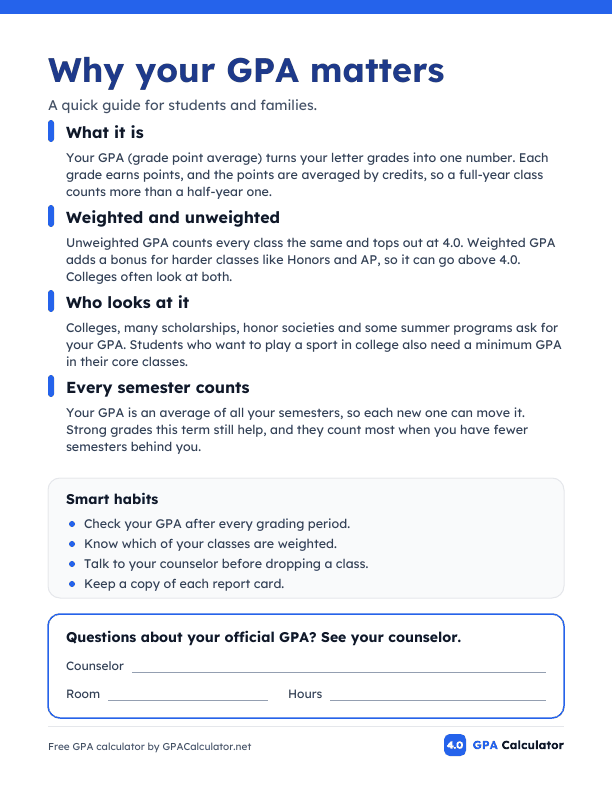
More ways to shareA printable poster for your office, a message for your newsletter, and a link for your classes.
Printable poster
Message for families
Link for your classes
Private
No sign-up, cookies or ads. Grades are worked out in the student’s browser and never sent to us. We only count which websites use the calculator, never who uses it.
Accessible
Built to WCAG 2.1 AA, the standard the ADA Title II rule sets for public school sites. Works with a keyboard and screen readers, and zooms with the page.
Safe for your site
The one script line only resizes the calculator’s box. The calculator runs in its own sealed frame.
Wrong result or missing a feature? Send feedback
Questions from counselors
Is it really free? Will that change?
Yes, and it stays free. No account, no limit on pages, and no ads inside the calculator. We keep it free through our own site, which is why there is a small credit line under it.
Do you see or store student grades?
No. The math runs in the student’s browser and grades never reach us, so there is no student data to share, sign for or protect. Even when students save their GPA on GPACalculator.net, it stays on their own device.
Will it match our official GPA?
It uses the grading rules you set in step 1, so it should be close. Your transcript is still the official number, so students should check it with your counseling office.
Our grading scale or weights are different
Open “Change grading rules” in step 1: plus and minus or letters only, A+ as 4.0 or 4.33, weighted or not, and the Honors, AP / IB and dual credit bonuses. If your scale still isn’t covered, ask us below and we will add it.
Does it work on our website or LMS?
Yes, on any page that allows an Embed or HTML block: Google Sites, WordPress, Finalsite, Edlio, Apptegy, Canvas and Schoology. Step 3 has the steps for each. If your page blocks embeds, use the button or link instead.
Is it accessible?
It is built to WCAG 2.1 AA, the standard the ADA Title II rule sets for public school websites. It works with a keyboard and screen readers and zooms with the page.
Can we change the settings later?
Yes. Come back to this page, change what you need, copy the new code and replace the old one. Nothing is tied to an account.
Will it slow down our page?
No. It loads only when someone scrolls to it, has no ads or analytics scripts, and the one script line only sizes the box.
Still have a question?
Ask about your grading scale, a platform, or adding it for a whole district. It comes straight to our team.